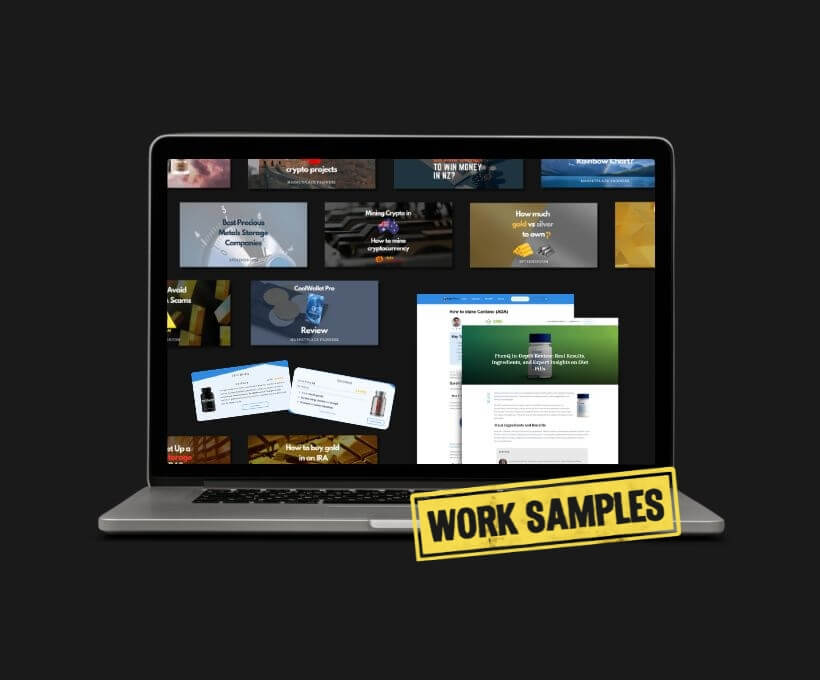
For two and a half years, I freelanced as a Digital Content Designer for Eden Emerald, an Australian digital content company.
I helped turn text-heavy blog content into clearer, more structured, and easier-to-read WordPress pages.
My work covered blog layouts, featured images, reusable templates, website redesigns, and the publishing of hundreds of WordPress posts.
Across all of this work, the goal stayed the same: make dense content easier to understand, quicker to scan, and simpler to move through.
Clarity came first. The samples below show how I applied that principle at different levels of the content experience: from the first image a reader sees, to reusable content blocks, full blog post layouts, and complete page redesigns.
Featured Images
The first place I applied this focus on clarity was the featured images.
Featured images are the first visual element readers see, so they need to do more than look nice. They had to make the post feel clear, professional, and aligned with the website’s visual style.
To create a featured image, I first read the blog post and identified the main topic or message. This helped me decide what the image needed to communicate before choosing visuals or layout. Then I chose a visual direction that matched the website style, selected suitable images or graphic elements, and built the design in Canva.
Some websites had strict rules for size, colors, typography, and layout, while others gave me more freedom to be creative. In every case, I focused on contrast, readability, visual hierarchy, and how the image would look on different screen sizes.
Because I worked across different topics, I learned how to adapt my design style. A crypto blog, casino blog, supplements blog, and precious metals blog each needed a different visual approach, so I adjusted the tone, colors, image choices, and layout style for each audience.
This helped each article feel more polished before the reader even started scrolling.
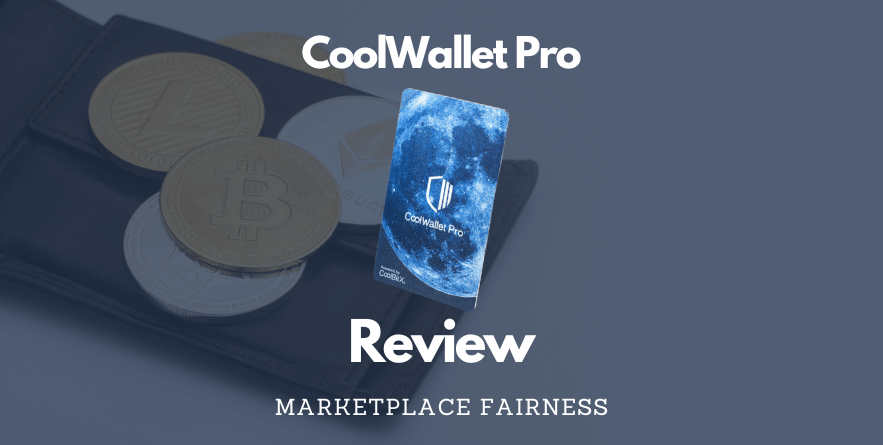


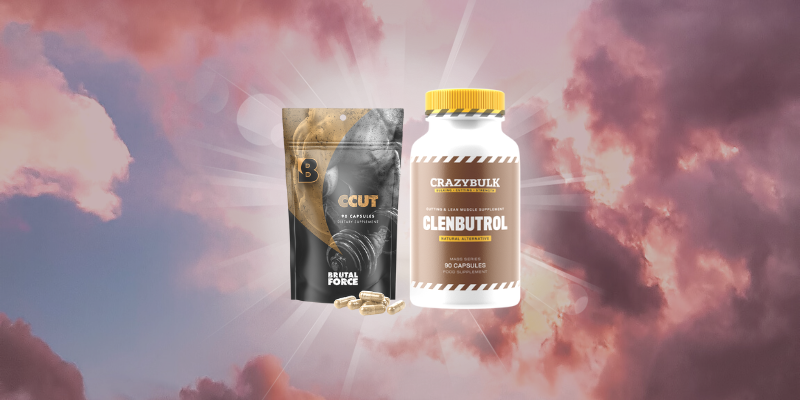
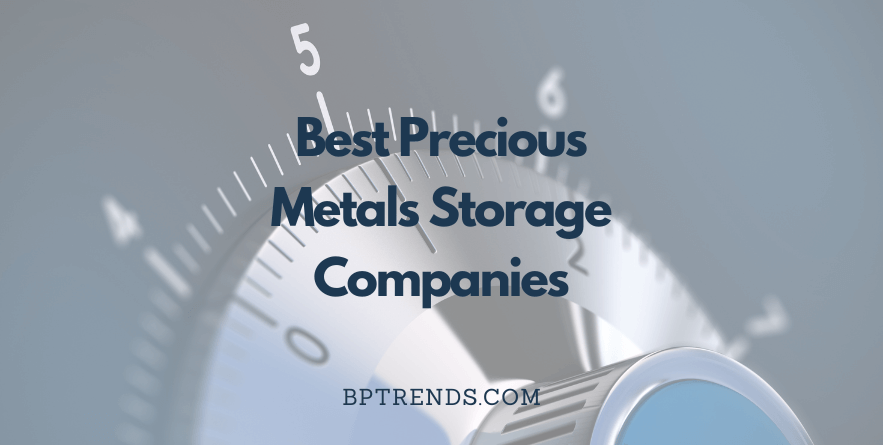

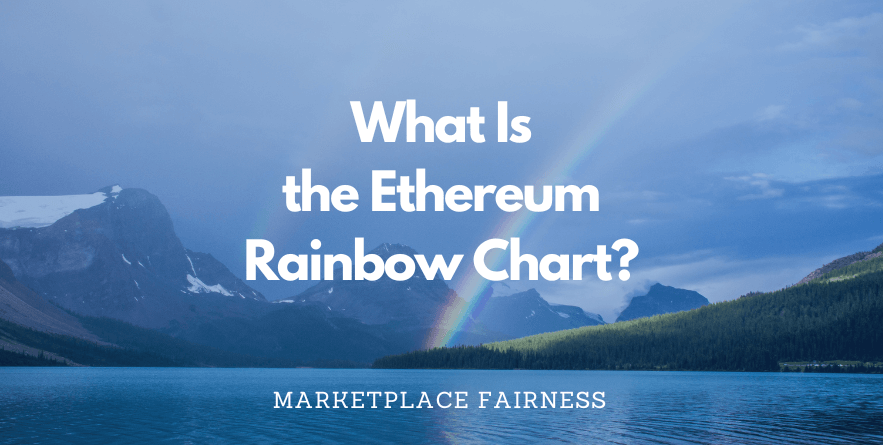




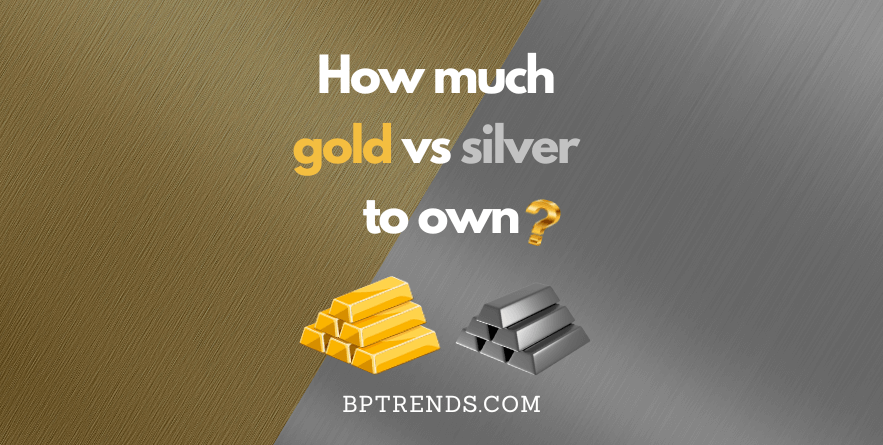
Featured image examples created for BOFU blog content across different niches.
Reusable Templates
While working on many blog posts, I noticed that the same types of sections appeared again and again. Product details, FAQs, pros and cons, and short reviews often followed a similar structure, so I built reusable templates to present them in a clean and consistent way.
Before creating the templates, I reviewed similar websites and competitor pages to understand common layout patterns and content needs. Then I used Thrive Architect Builder to design reusable content blocks for different posts and websites.
The goal was simple: stop rebuilding the same sections from scratch. These templates turned repeated content into a small design system, making my workflow faster, keeping layouts consistent across posts, and helping readers scan familiar information more easily.
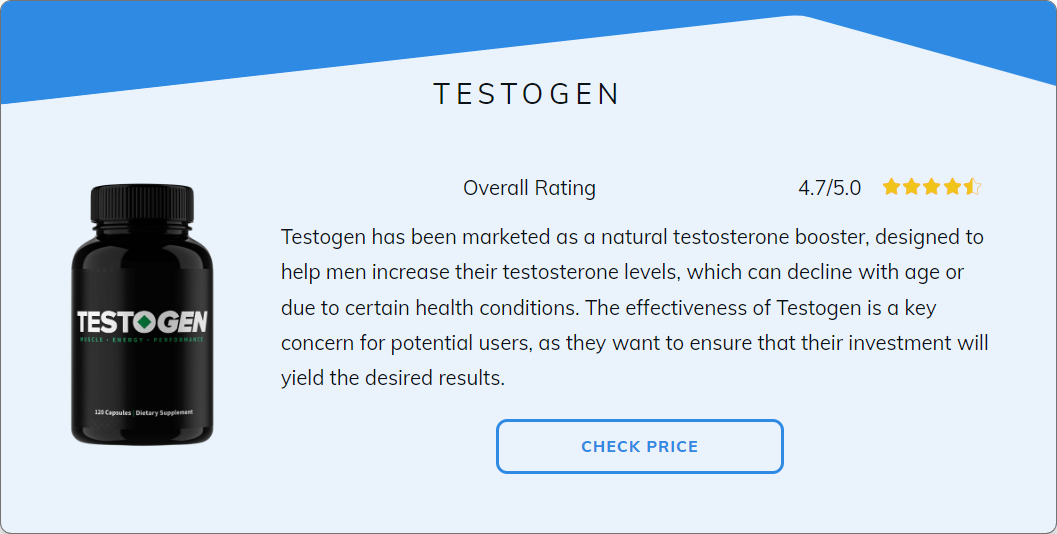
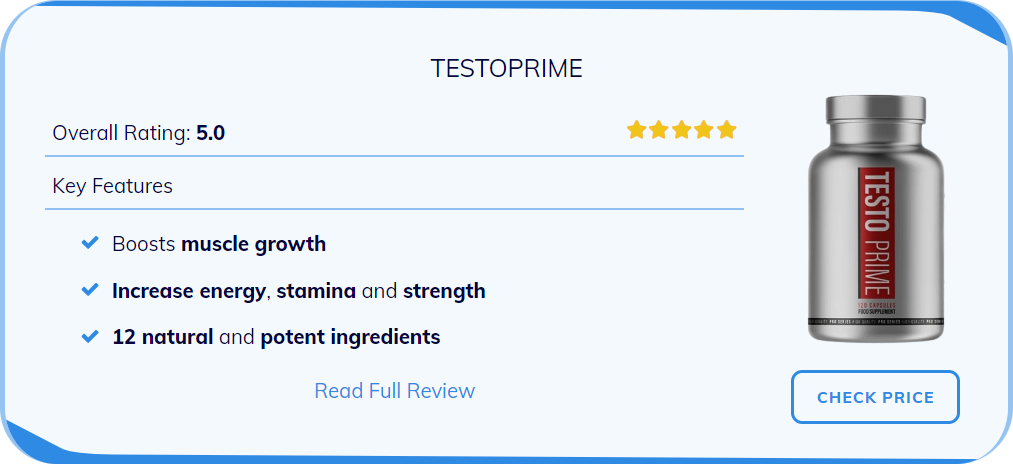
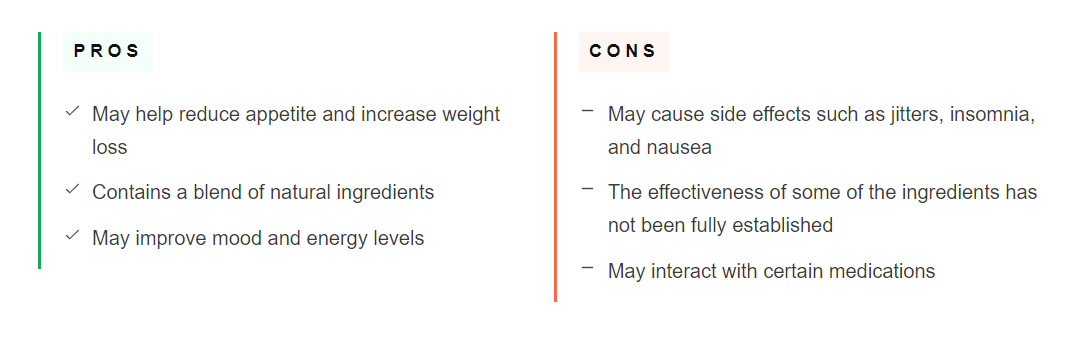
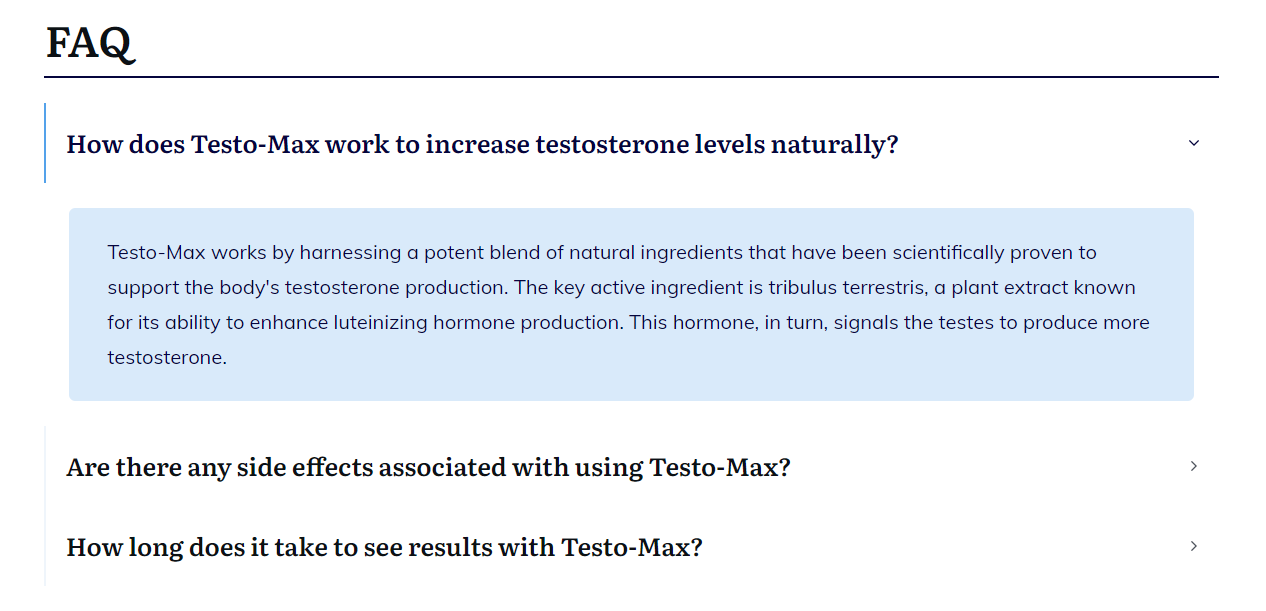
Reusable template examples created to organize repeated blog content
Blog Post Designs
Blog post design was a big part of my work. I turned long-form content into WordPress posts that were structured, scannable, and easier to follow. For dense articles, layout and hierarchy can make the difference between a page that feels overwhelming and one that feels easy to move through.
Before designing a blog post, I reviewed similar pages to see how the content was structured and what users might expect. This helped me understand what worked well, what could be improved, and how the page could be organized.
I often started with simple paper wireframes to plan the page structure. This helped me organize the content before building the final page in WordPress. After that, I built the blog post directly in WordPress using Thrive Architect Pro.
I used headings, spacing, visuals, and layout structure to guide the reader through the content. I also supported on-page SEO through metadata, heading structure, image attributes, and internal links. These details helped each post become easier to read, easier to navigate, and easier for search engines to understand.
Over time, I also became trusted to publish posts directly myself. This showed that my work was not only about design but also about accuracy, consistency, and ownership.


Blog post design examples created for different niche websites.
Page Design & Redesign
This work pushed me to think beyond one article at a time and look at the full page experience: what visitors saw first, how sections connected, where the content felt crowded, and how easily someone could move through the page.
Before designing or redesigning a page, I researched similar websites to understand how they structured key information, guided visitors, and organized page sections.
Then I created simple paper wireframes to plan the layout, section order, spacing, and content flow. After that, I built the design directly in WordPress using Thrive Architect Pro.
The redesigns focused on turning crowded or unclear pages into pages that were easier to understand at a glance, with clearer sections, better flow, and less effort for the visitor.
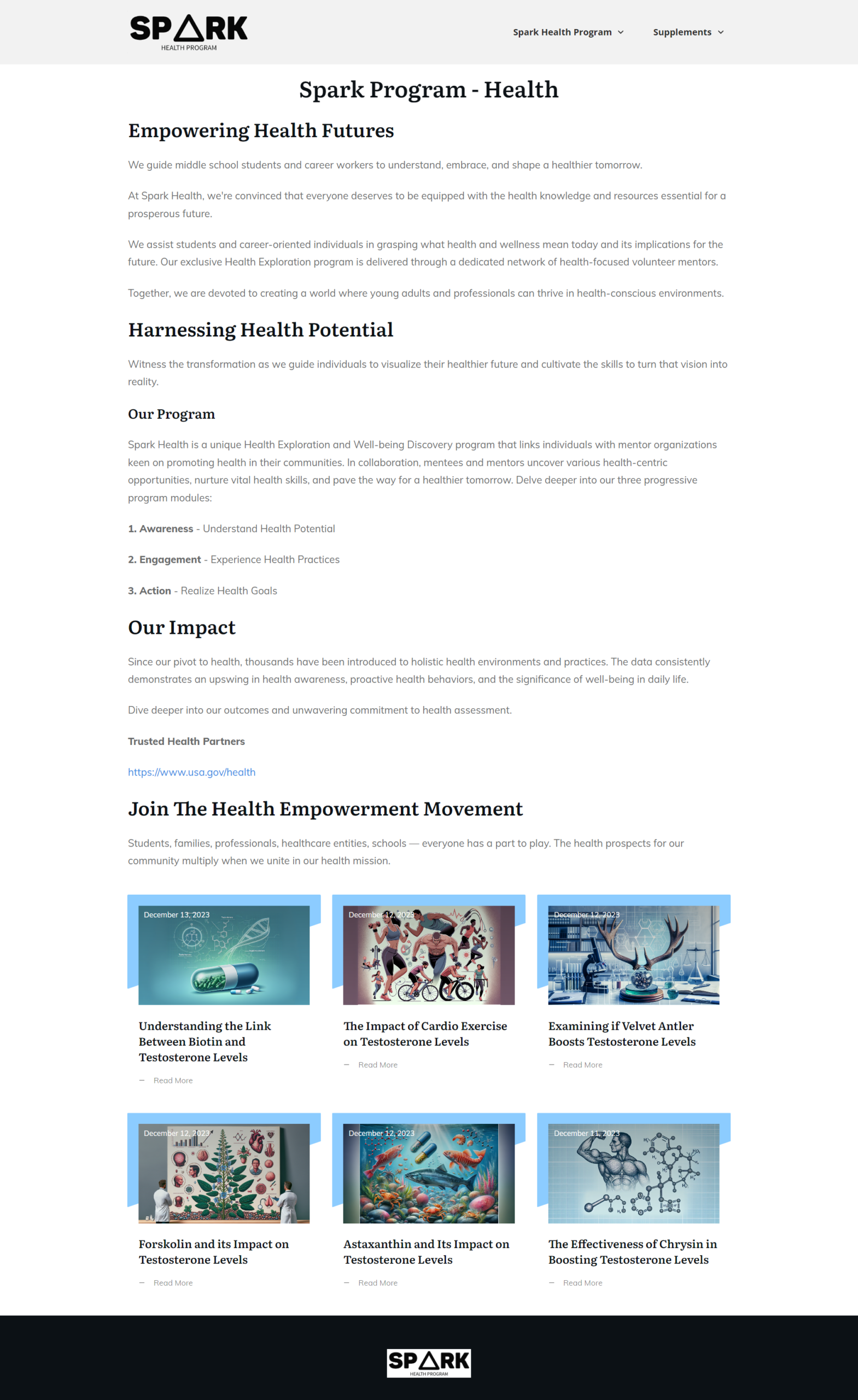
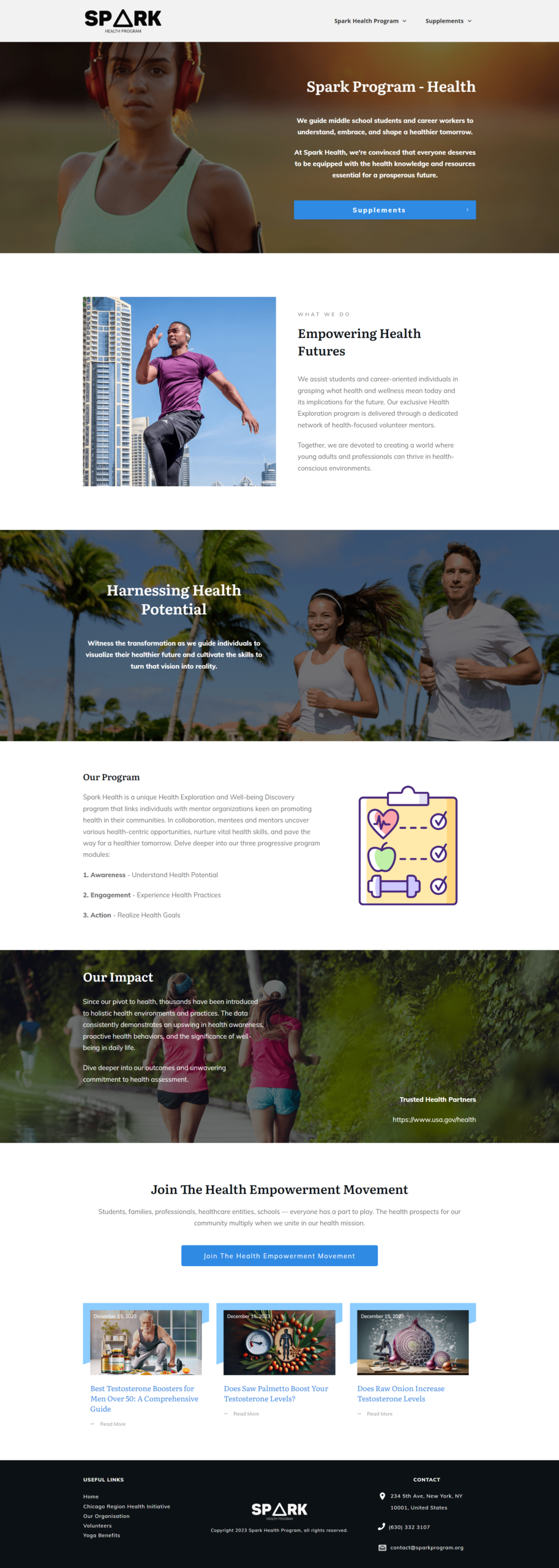
Homepage redesign example showing the original layout and the improved version
Results & Reflections
This experience gave me hands-on practice designing, building, and publishing content-focused WordPress pages at scale.
I became more confident taking a page from written content to layout to final WordPress build, while making design choices that improved readability, consistency, and user experience.
Most importantly, I learned that good design does more than make a page look better. It helps people understand information faster, scan content with less effort, and use a website with more confidence.
After my time with Eden Emerald ended, I continued building on the UX side of this work by earning the Google UX Design Certificate. This helped me connect my practical WordPress and content design experience with a stronger understanding of user research, wireframing, prototyping, and user-focused design decisions.
I’m interested in UX/UI and Web Design opportunities where I can combine visual design, WordPress website building, and content-focused design.
If you are looking for someone who can turn complex content into clearer digital experiences, feel free to contact me.